

Description
Features
- Unlimited use within your practice
- All updates to files after purchase
- One file for all entity types
- Work without paper
- View in multiple windows
- Use any blank cell
- Import Excel data
- Paste screen shots
- Insert ticks and crosses
- Insert text boxes and callouts
- Sheets to manage your job
- Sheets to store information
- Pre-loaded templates to do your calculations
Managing Your Job
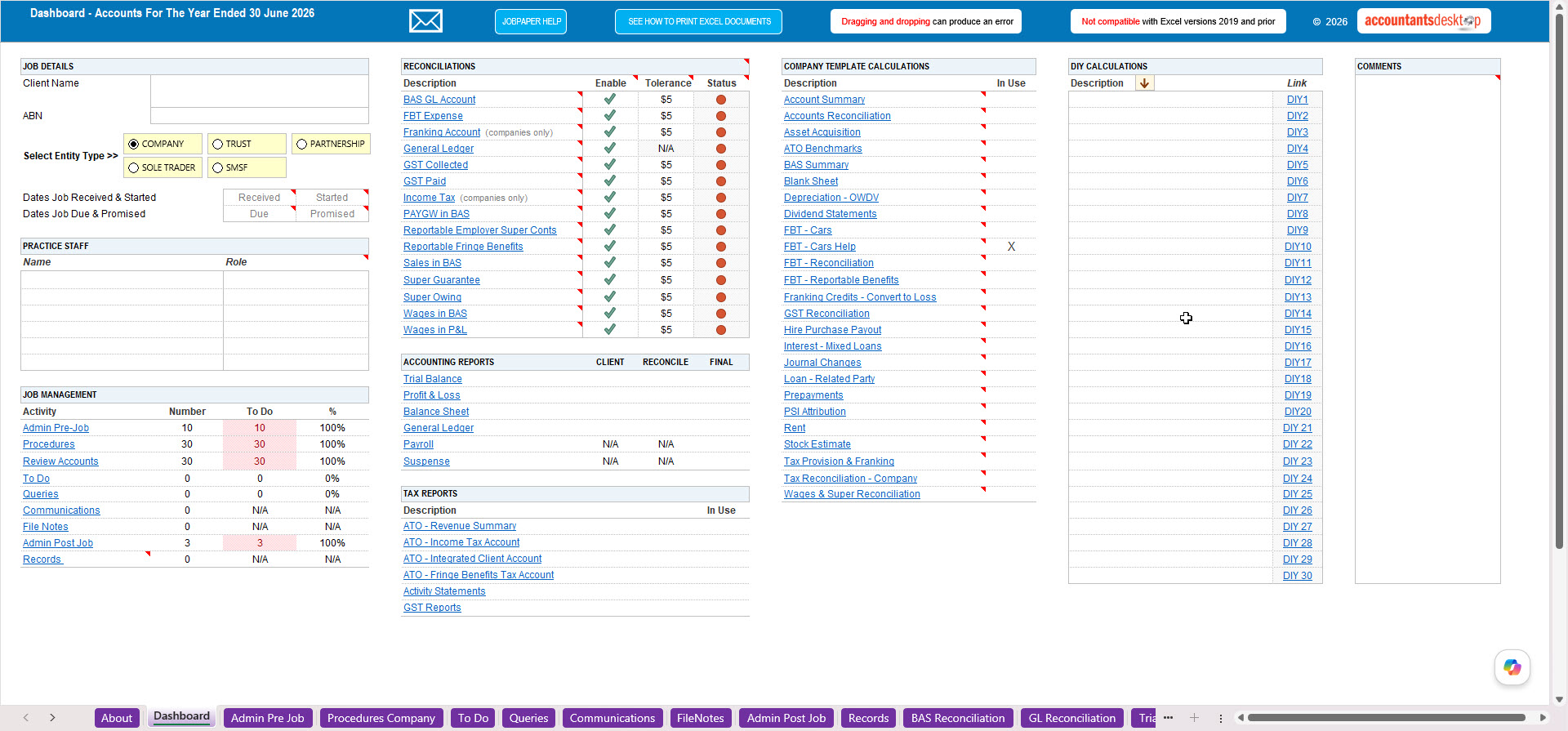
- Admin Pre & Post Job
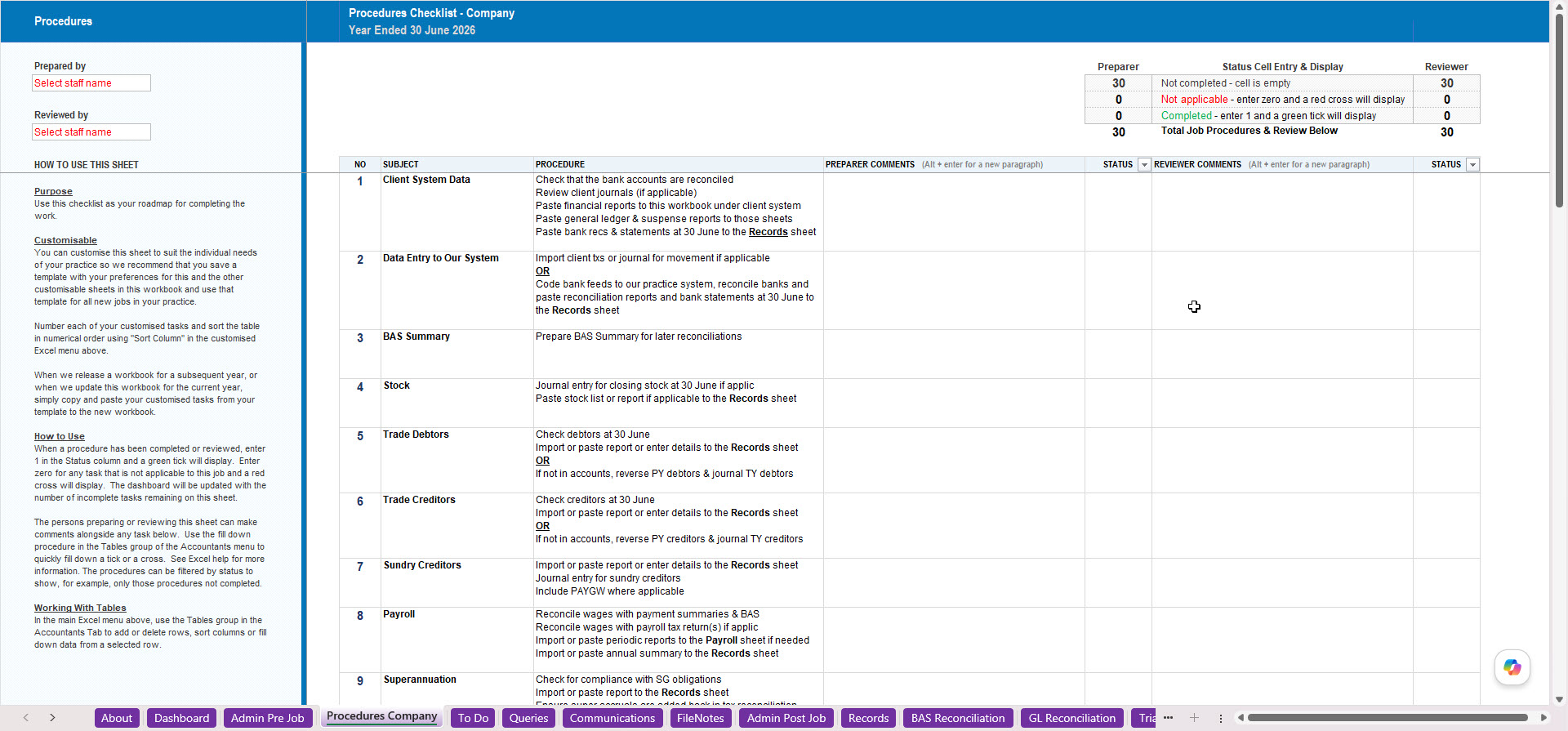
- Procedures checklist
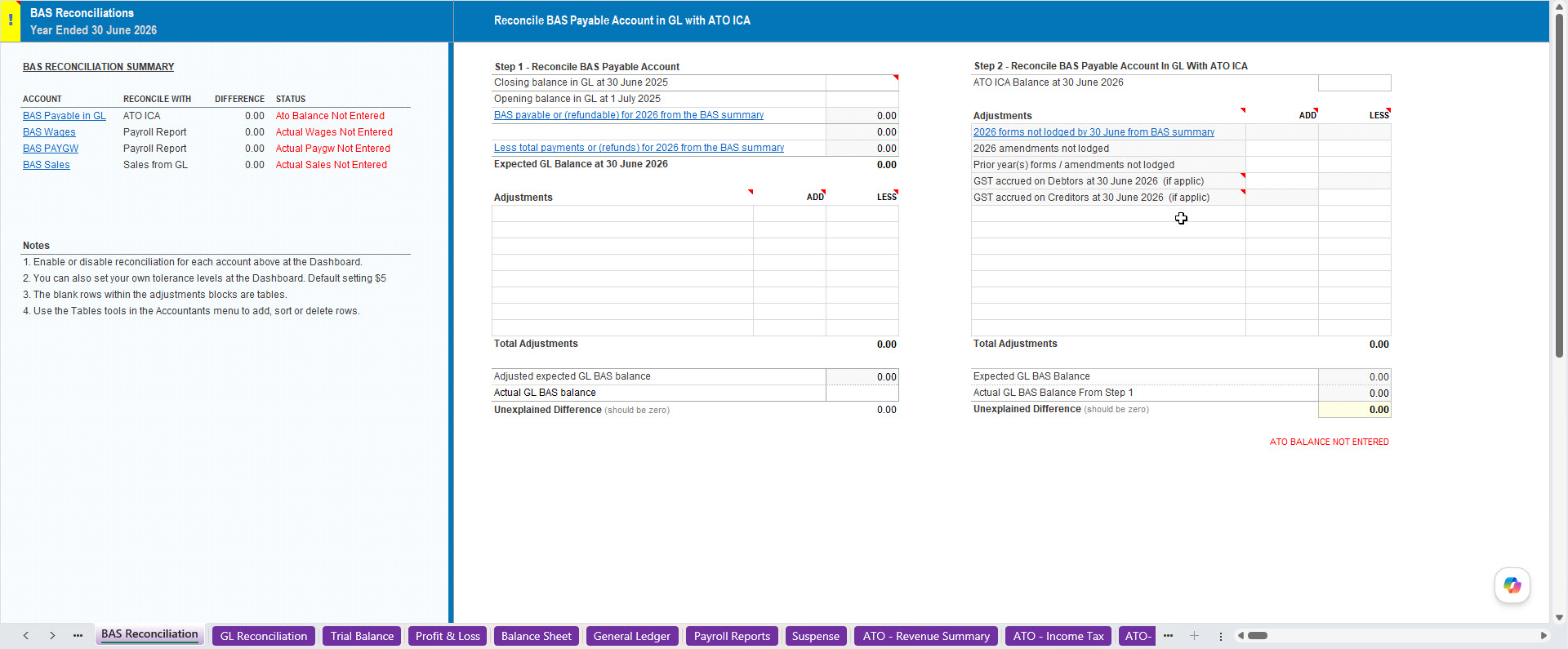
- Reconciliations
- Review
- To Do
- Queries
- Emails
- File Notes
- Client Records
Storing Information
- Trial balance
- Profit & loss
- Balance sheet
- Notes to the accounts
- General ledger
- Payroll
- Suspense account
- ATO Portal revenue summary
- ATO Portal income tax account
- ATO Portal ICA
- ATO Portal FBT account
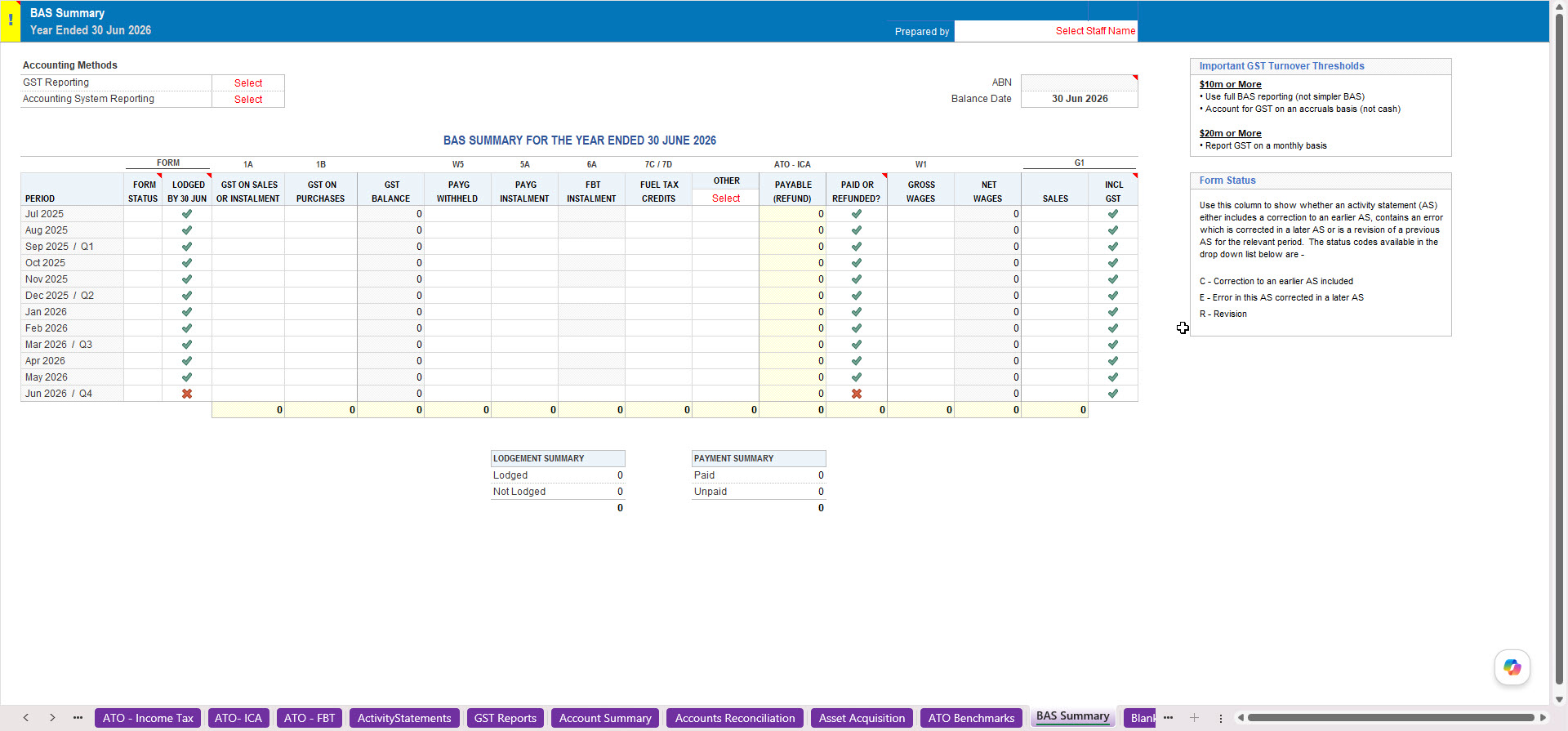
- Activity statements
- GST reports
- 30 unprotected DIY sheets
Dashboard
Procedures Checklist – Company
BAS Reconciliation
BAS Summary
Pre-Loaded Templates
- Accounts Reconciliation
- Accounts Summary
- Asset Acquisition
- ATO Benchmarks
- BAS Reconciliation
- BAS Summary
- Blank Calculations Sheet
- Depreciation – OWDV Calculator (I & P only)
- Dividend Statements (C)
- FBT – Car Benefits
- FBT – Reconcile With Accounts
- FBT – Reportable Benefits
- Franking Credits – Convert to Loss (C)
- GL Reconciliation
- GST Reconciliation
- GST Owing Reconciliation
- Hire Purchase Payout
- Interest on Mixed Loans
- Interest LRBA (S)
- Journal for Changes
- Loan – Related Party
- Partners’ Salaries (P)
- Pension Payments (S)
- Prepayments Calculator
- PSI Attribution (C & T only)
- Rental Income Summary
- Stock Estimate
- Stock Private Use (I & P only)
- Tax Provision & Franking Account (C)
- Tax Reconciliation
- Trust Discretionary Distributions (T)
- Wages & Super Reconciliation
(C) – Companies | (I) – Sole Traders | (P) – Partnerships | (S) – SMSFs | (T) – Trusts