Description
Features

Summary
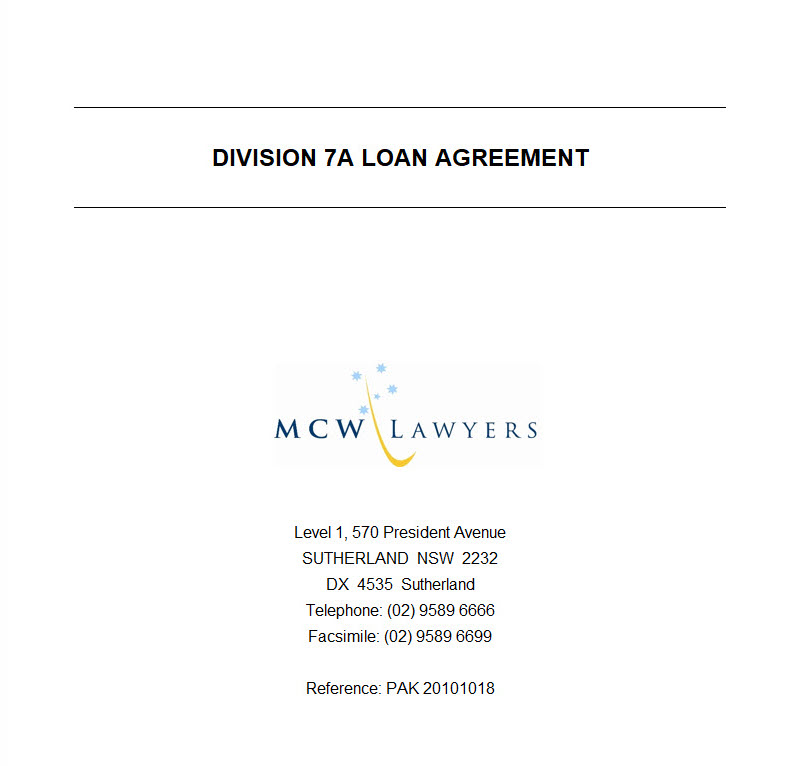
Agreement Included With Workbook
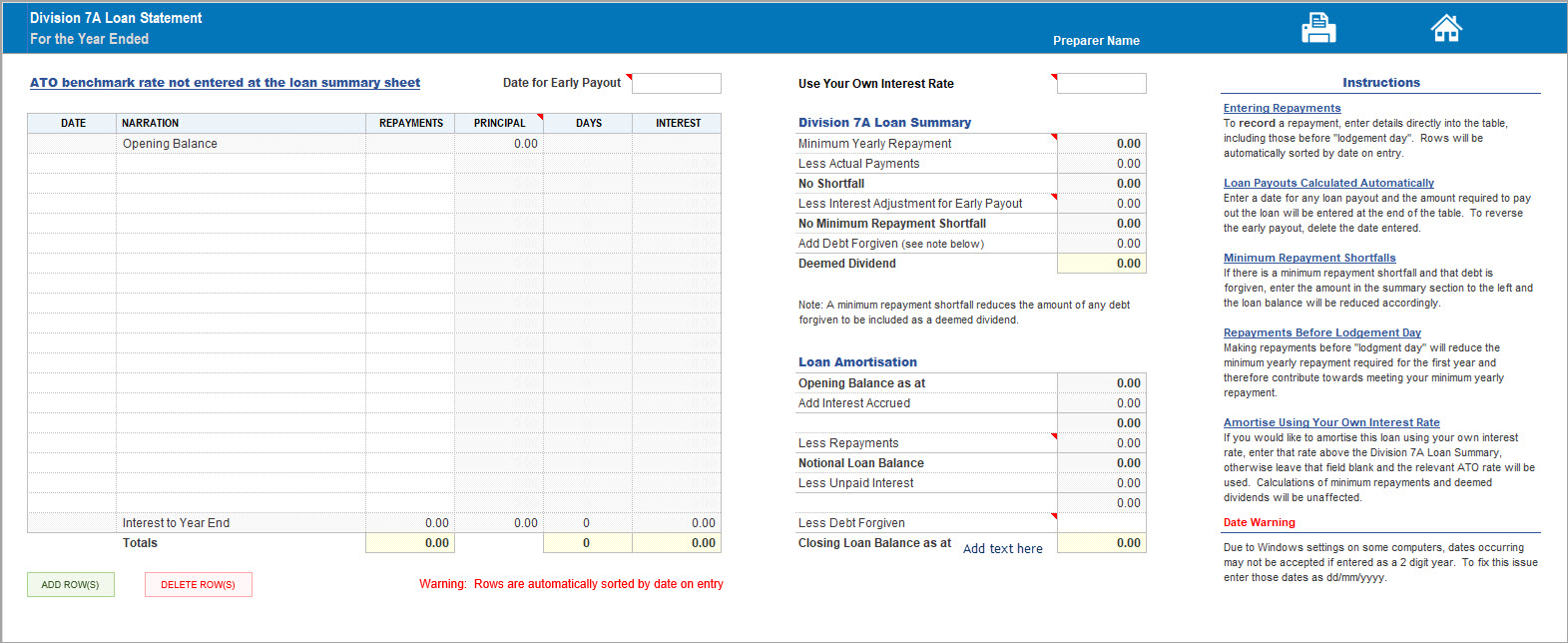
Annual Transactions
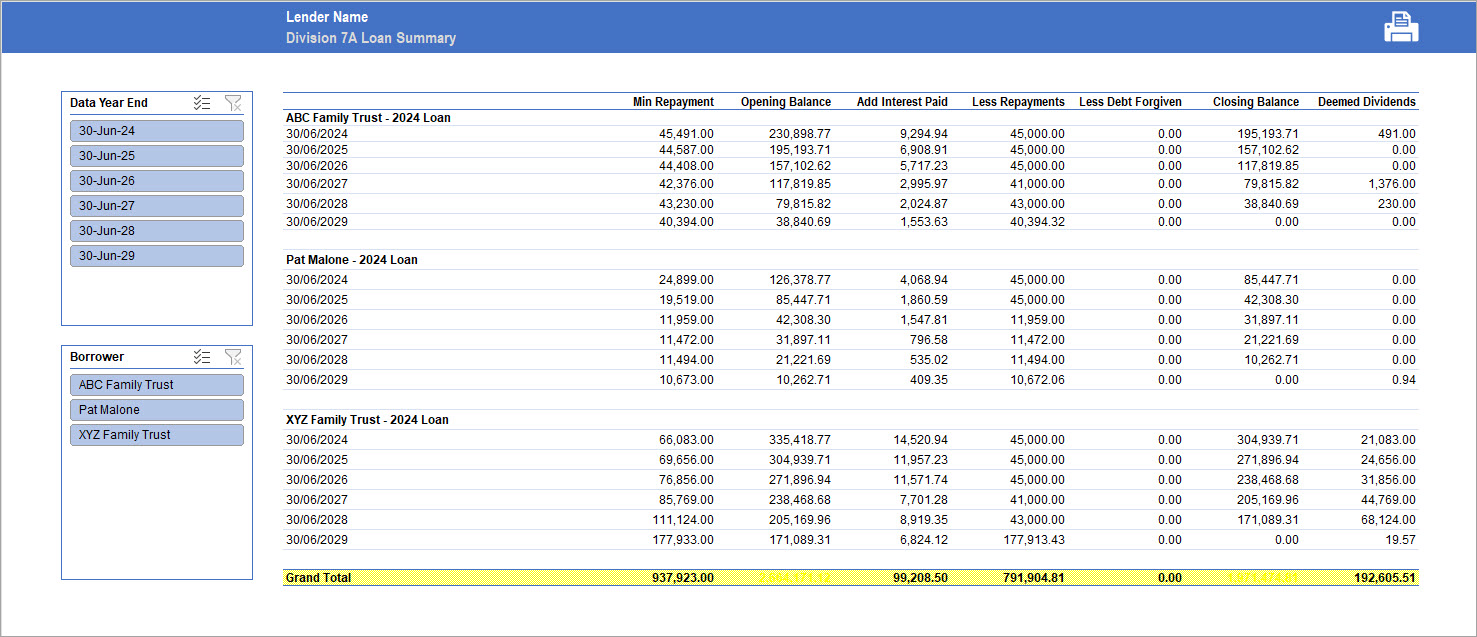
Loan Register
Distributable Surplus


Simplify the calculation, management and monitoring of your clients’ Division 7A loan obligations with our comprehensive package of three Excel calculators.
Designed for accountants in public practice, this package helps you manage unsecured loans made by private companies on or before 30 June 2026, where the loans are subject to complying written agreements with a maximum term of seven years.
The calculators provide a practical way to maintain loan records, calculate minimum yearly repayments and assess distributable surplus, helping you identify potential Division 7A compliance issues before they become costly problems for your clients.
The package includes three Excel workbooks:
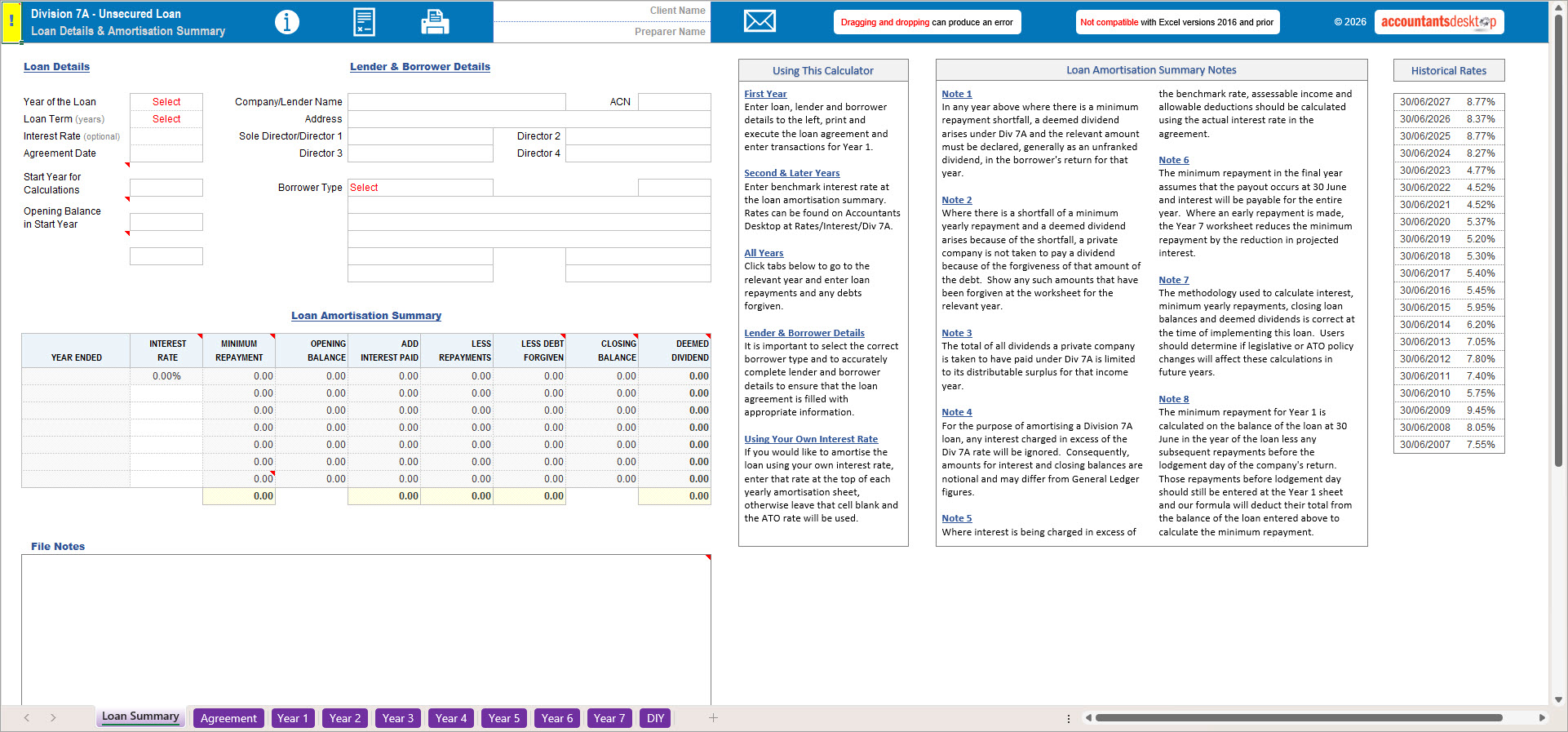
Division 7A Calculator 2026 – Calculate minimum yearly repayments and track loan balances.
Division 7A Loan Register 2026 – Maintain an organised record of your clients’ Division 7A loans and repayment obligations.
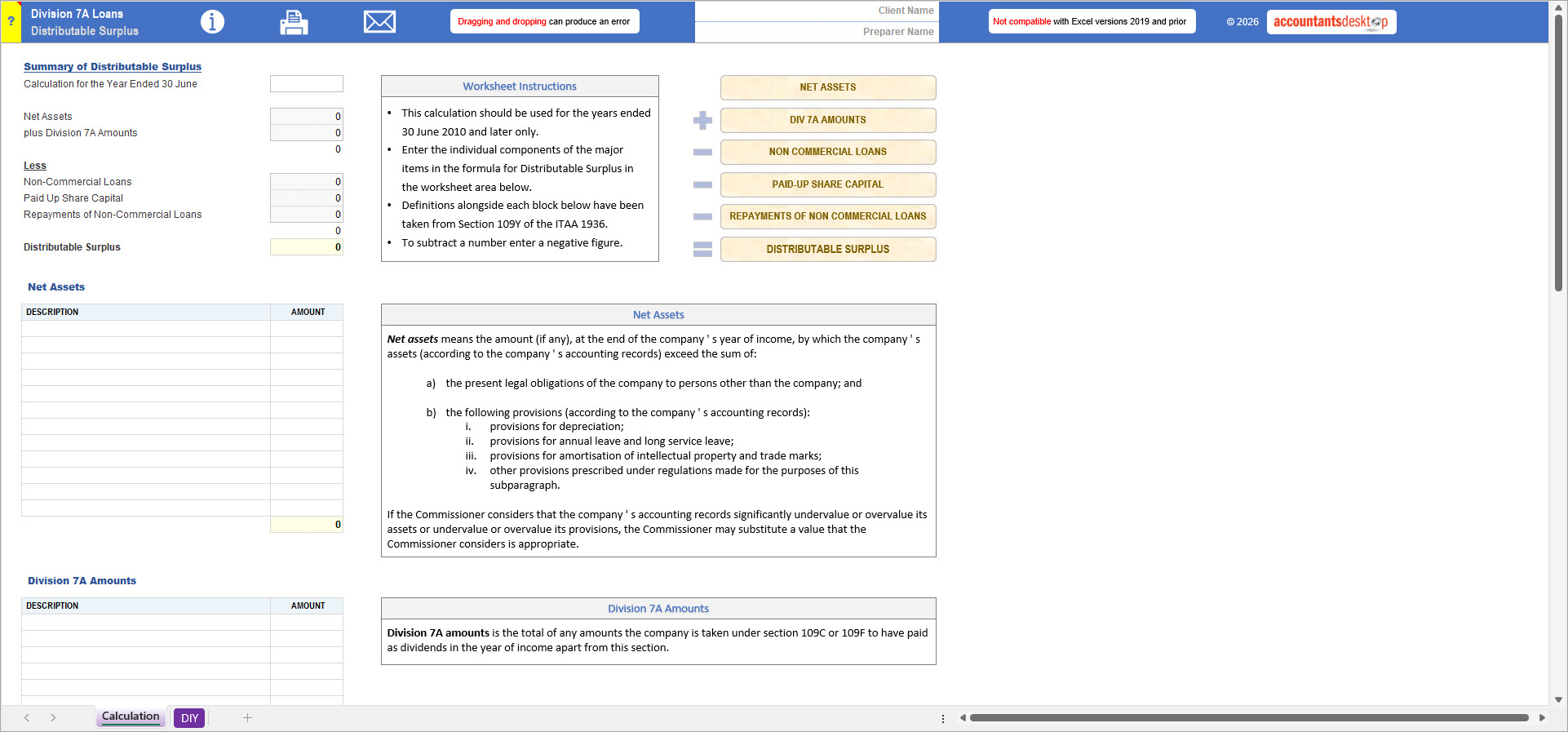
Distributable Surplus Calculator 2026 – Calculate a company’s distributable surplus to assist in determining the potential tax consequences of Division 7A transactions.
Three practical Excel tools in one convenient package, helping you save time, maintain accurate records and manage your clients’ Division 7A obligations with confidence.
For more information, explore the features below and watch our demonstration video to see the calculators in action and discover the other solutions available from Accountants Desktop.
Warning: this file is not compatible with Microsoft Excel versions 2016 or the cloud-based version of Excel, Excel for Mac, or Google Sheets.
To access all of our content
$1,465.00 P.A. for 5 users!
Monthly plans available





Just fill in the form below and you will get access to our samples page with free downloads.
"*" indicates required fields
(02) 9542 4655
info@accountantsdesktop.com.au
PO BOX 507 Sutherland NSW 1499